_x000D_
| _x000D_
_x000D_
_x000D_
_x000D_
 _x000D_ _x000D_
_x000D_
_x000D_
_x000D_
_x000D_
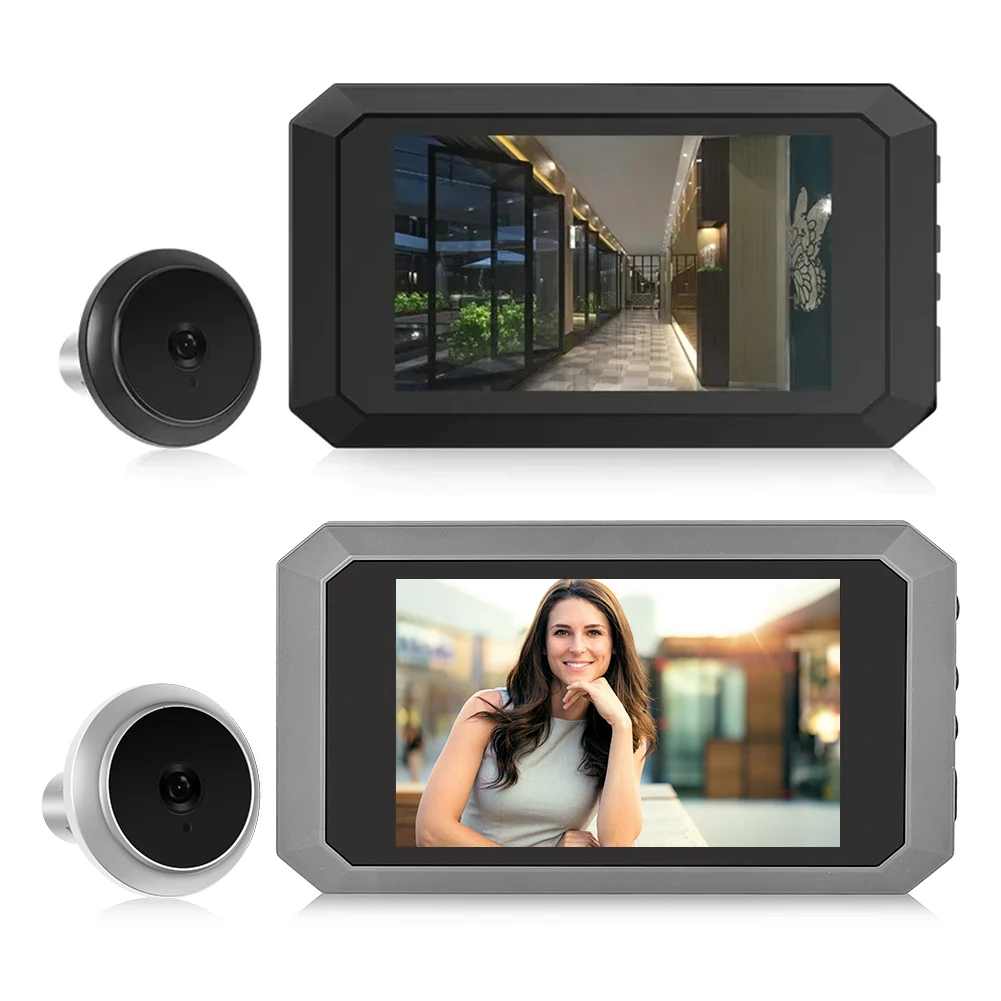
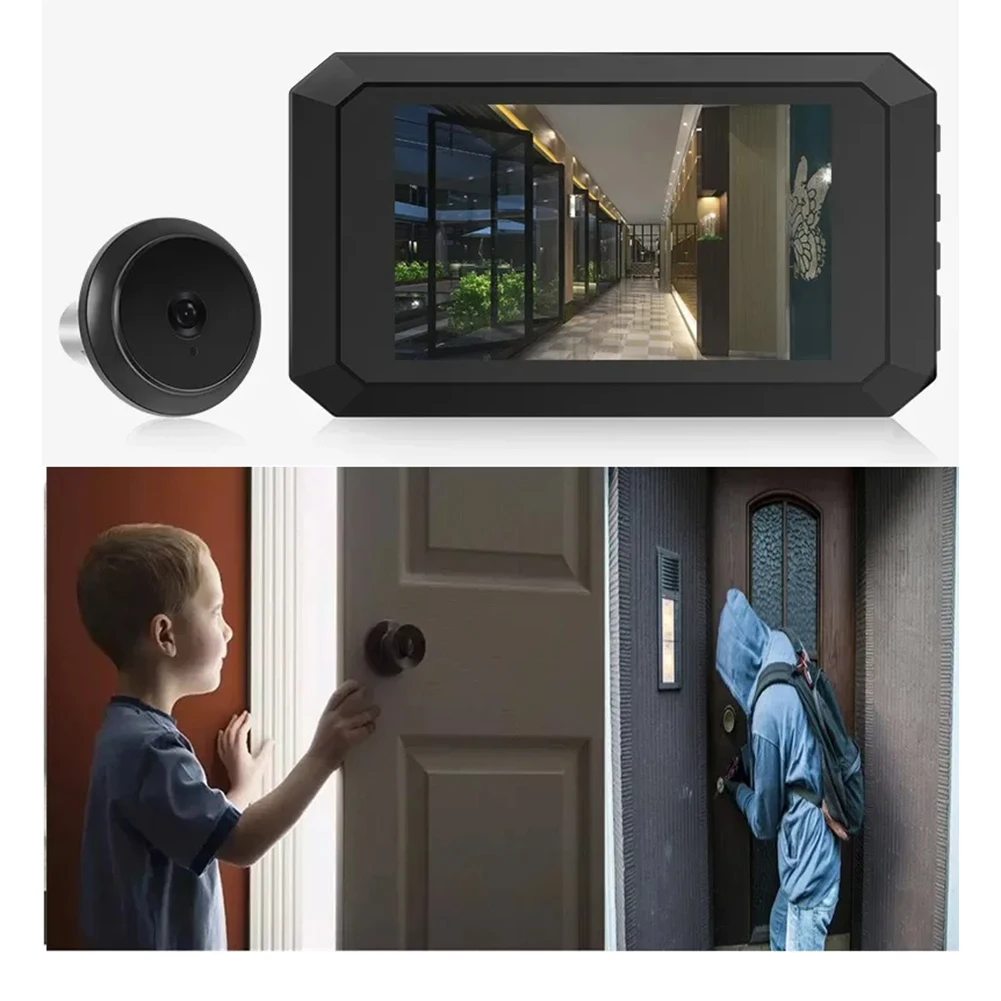
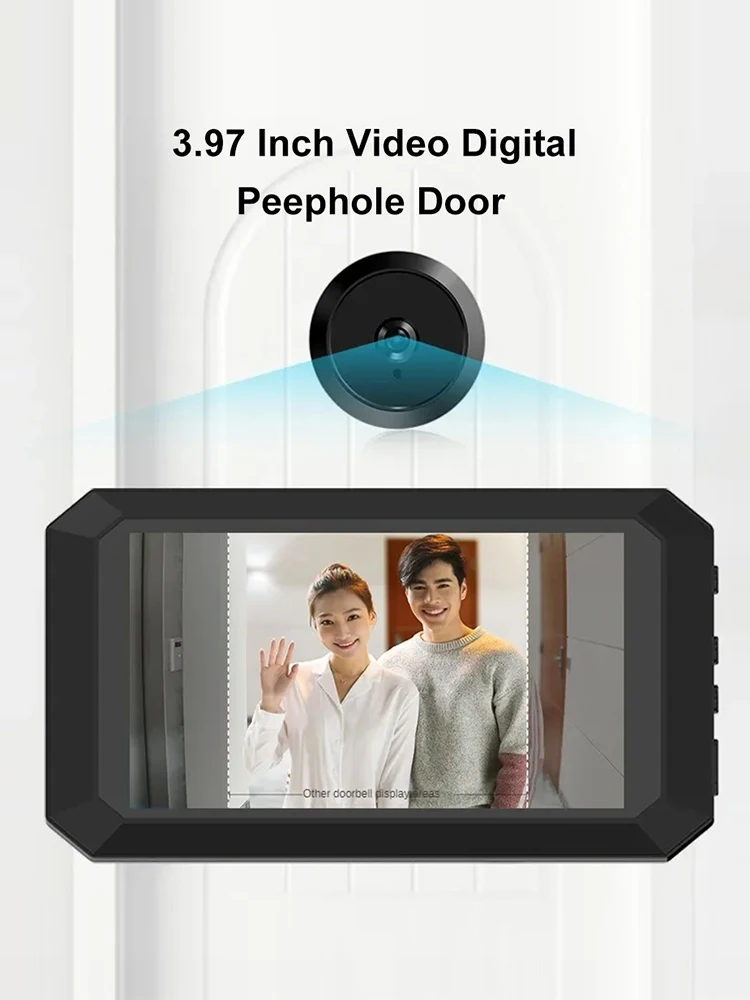
Digital Magic Eye Electronic Viewfinder Photo Recording Video Digital Door Viewer 3.97in LCD Screen Door Peephole Camera 1400mAh Build-in Lithium Battery
_x000D_
Feature:
_x000D_
1. High-Definition Display: Our video digital door viewer comes with a high-definition display, providing clear and crisp images that assure you of better security.
_x000D_
2. Multi-Language Support: Our digital magic eye electronic viewfinder supports 12 languages: English, Chinese, Russian, French, Italian, German, Japanese, Korean, Czech, Turkish, and Arabic, making it user-friendly for a diverse range of users.
_x000D_
3. Advanced Night Vision: Equipped with ultra-low-light super night vision functionality, our safety door viewer captures clear images even in complete darkness, without any light, heat, or motion detection that could alert potential intruders.
_x000D_
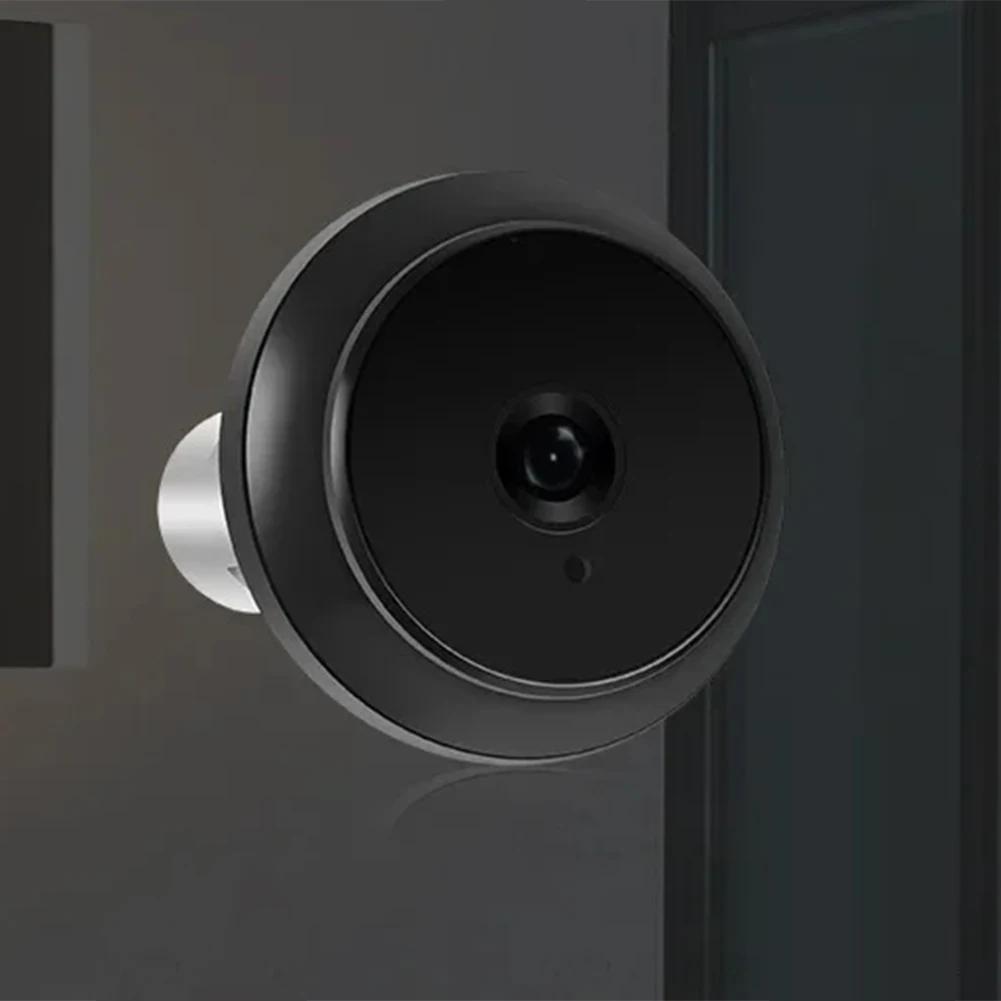
4. High-Resolution Wide-Angle Lens: The door viewer features a high-intensity alloy peephole head with a 2-megapixel camera that provides a door peephole camera is built to last with an ultra-large, ultra-thick 304 stainless steel hanging plate, offering added durability to withstand day-to-day usage and ensuring your investment stands the test of time.
_x000D_
_x000D_
_x000D_
_x000D_
Specification:
_x000D_
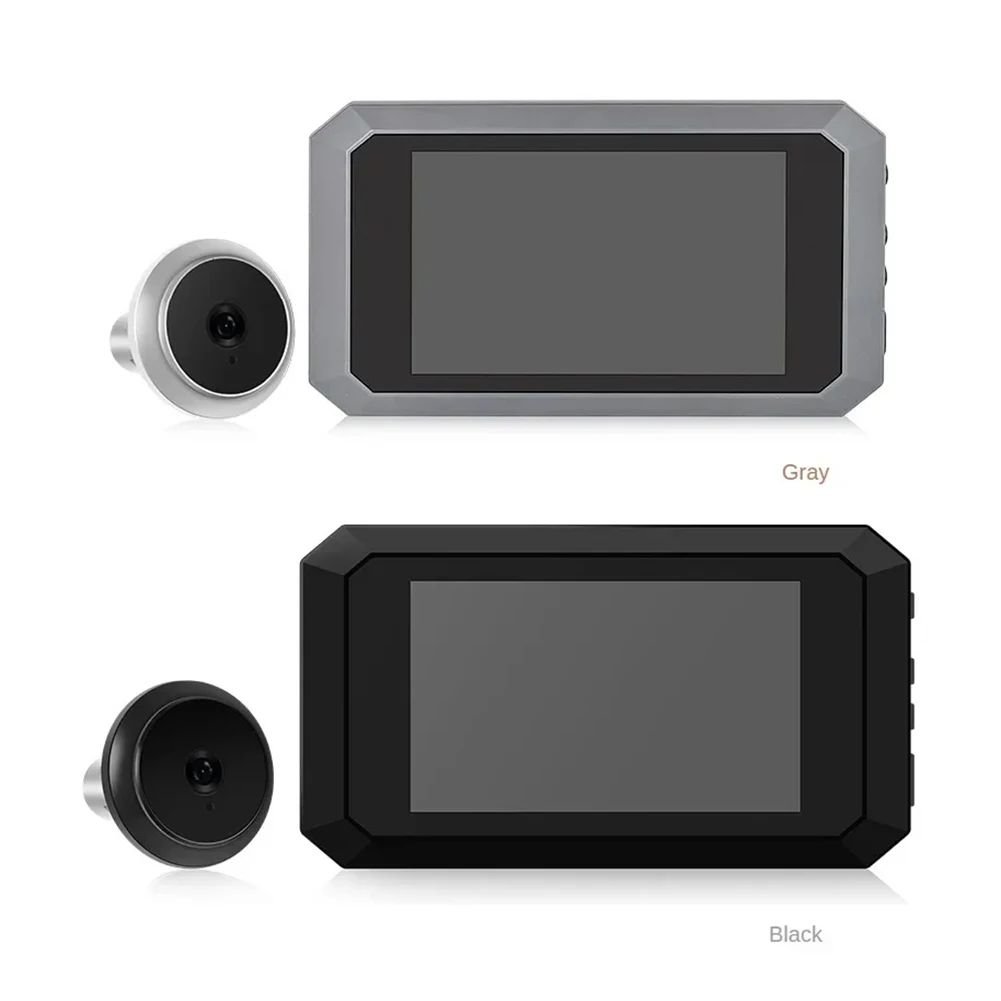
Color(Optional): Black, Grey
_x000D_
Screen Size: 3.97 "Hd Display
_x000D_
Charging Cable Interface: Type-C
_x000D_
Diameter Range Of Door Hole: 15-30 mm/0.59-1.18 in
_x000D_
Door Thickness Range: 5-80 mm/0.19-3.14 in
_x000D_
Door Hole Range: 15-30 mm/0.59-1.18 in
_x000D_
Resolution: 480 x 800
_x000D_
Camera Pixel: 200w Or Other Configuration
_x000D_
Lithium Battery: 1400mah 3.7-4.2v
_x000D_
Camera Pixel: 1080p
_x000D_
Internal Storage: 720p
_x000D_
Supports 12 Languages: English, Chinese, Russian, French, Italian, German, Japanese, Korean, Czech, Turkish, Arabic
_x000D_
Features: Low Light Super Night Vision Function, No Light, No Sensation, No Heat, No Exposure At Night To Capture, High Strength Alloy Cat Eye Head 2 Million Pixels, Large Angle Of View Wide Angle, Super Thick 304 Stainless Steel Hanging Plate
_x000D_
Outdoor Unit Dimensions: Diameter 40 mm, Thickness 10 mm
_x000D_
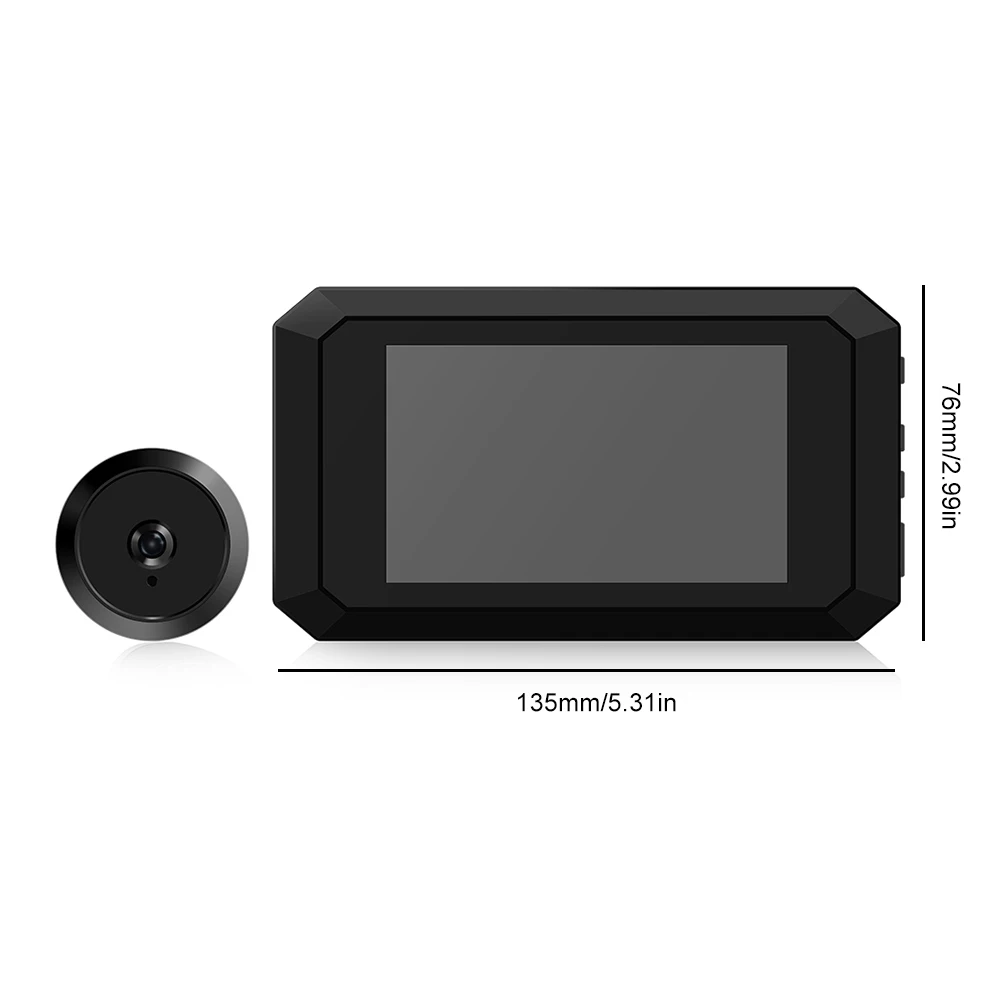
Indoor Unit Size: 135 x 76 x 13 mm/ 5.31 x 2.99 x 0.51 inch
_x000D_
Color Box Size: 190 x 100 x 70 mm/7.48 x 3.93 x 2.75 in
_x000D_
Gross Weight: 300 g
_x000D_
_x000D_
Attention:
_x000D_
1. Place The Product On A Stable Surface To Prevent Damage Caused By Falling. Do Not Touch The Sensor Of The Outdoor Unit
_x000D_
2. Do Not Press The Lcd Display Area. Otherwise, The Lcd And Panel May Be Damaged
_x000D_
3. Prevent Dust, Moisture, Moisture, And High Temperature
_x000D_
4. Please Insert An Sd Card (High-Speed Card Of More Than 8g) Before Installation. 16g Or 32g Is Recommended. The Storage And Read Speed Is Not Less Than C10, That Is, The Storage Speed Is Not Less Than 10m Per Second. (Arrival Does Not Include Memory Card)
_x000D_
5. When Installing The Flexible Cable For The Fuselage, Align The Cable Port And Gently Close The Cable Cover
_x000D_
6. Keep The Exterior Of The Outdoor Unit Lens Clean
_x000D_
_x000D_
Common Problems And Solutions
_x000D_
1. No Photos Or Videos:
_x000D_
A Press The Reset Key Once Every Time You Insert And Remove The Cable. Press The Reset Key Once When The Machine Freezes; Or Enter Settings And Return To Factory Settings
_x000D_
B Check Whether The Soft Cable (Fpc) Is Reversed, Whether The Rear Cover Is Tightly Covered, And Whether The Cable Interface Is Damaged
_x000D_
C Confirm That The Sd Card Has Been Inserted, And Is A Valid High-Speed Card, 16g, 32g Is Recommended, The Storage And Read Data Efficiency Is Not Less Than C10, That Is, The Storage Speed Is Not Less Than 10m Per Second
_x000D_
D It Is Recommended To Format The New Memory Card For The First Time And Go To Camera Settings - Format Memory Card
_x000D_
2. Do Not Turn On The Phone
_x000D_
A Memory Card Failure, Such As Taking Out The Memory Card Can Be Turned On, It Can Be Determined That The Memory Card Speed Does Not Meet The Requirements Of The Device, Or The Memory Card Is Damaged;
_x000D_
B The Cable Is Not Fastened
_x000D_
C The Battery Is Out Of Power, Need To Charge, If Necessary, Use The Computer To Format The Memory Card
_x000D_
3. Images Are Blurry
_x000D_
A Check Whether There Is Dirt On The Surface Of The Camera
_x000D_
B Try To Tear Off The Camera Protective Film
_x000D_
4. Fast Power Consumption
_x000D_
A Enter The Camera Settings - Record Mode - Change To Take Pictures, Taking Pictures Is More Power-Saving
_x000D_
B Plug Data Line Usually Power Supply
_x000D_
C Press The Reset Key To Restore The System
_x000D_
D Format Memory Card If Necessary, Use The Computer Format Memory Card
_x000D_
_x000D_
Note:
_x000D_
Due to the different monitor and light effect, the actual color of the item might be slightly different from the color showed on the pictures. Thank you!
_x000D_
Please allow 1-2 cm measuring deviation due to manual measurement.
_x000D_
_x000D_
_x000D_
_x000D_
_x000D_
_x000D_
_x000D_
_x000D_
_x000D_
_x000D_
_x000D_
_x000D_
 _x000D_
_x000D_
1 X Screen
_x000D_
1 X Safety Door Viewer
_x000D_
1 X Type-C Cable
_x000D_
1 X Metal Hanging Plate
_x000D_
1 X Screw
_x000D_
1 X English Operation Guide
_x000D_
_x000D_
_x000D_
_x000D_
_x000D_
_x000D_
_x000D_
_x000D_
_x000D_
| _x000D_
_x000D_


 _x000D_